
How to Search Cases by Name
The public route for Halifax is the NC eCourts Portal. Its Smart Search tool starts from a case number or a party name. No registration is needed for public information. Enter enough detail first. That keeps similar names apart. Then narrow the results by Halifax location, case type, status, filing date, or a date-of-birth filter. The tool offers one where available.
- Open Portal and select Smart Search.
- Enter the known party name in Basic Search Criteria, then open Advanced Filtering Options if the first return is broad.
- Select Halifax as the location and choose an applicable case family, status, or filing-date range.
- Review the candidate list and select the underlined case number for the public Case Summary.
- Use the result's hearings and events with care, then ask the Clerk about an official copy or a result that remains uncertain.
Halifax County Case Lookup in the eCourts Portal
Halifax moved onto Enterprise Justice, Portal, and eFiling on April 28, 2025. There is no separate county docket site of its own. The Portal pulls local Halifax court records into one statewide public interface, covering case information, current hearings, eligible payments, and the judgment index. Keep its limits in mind, though. Portal's own materials state that it is not the official court record. The Judicial Branch's eCourts services page links Portal, File & Serve, forms, and records services.
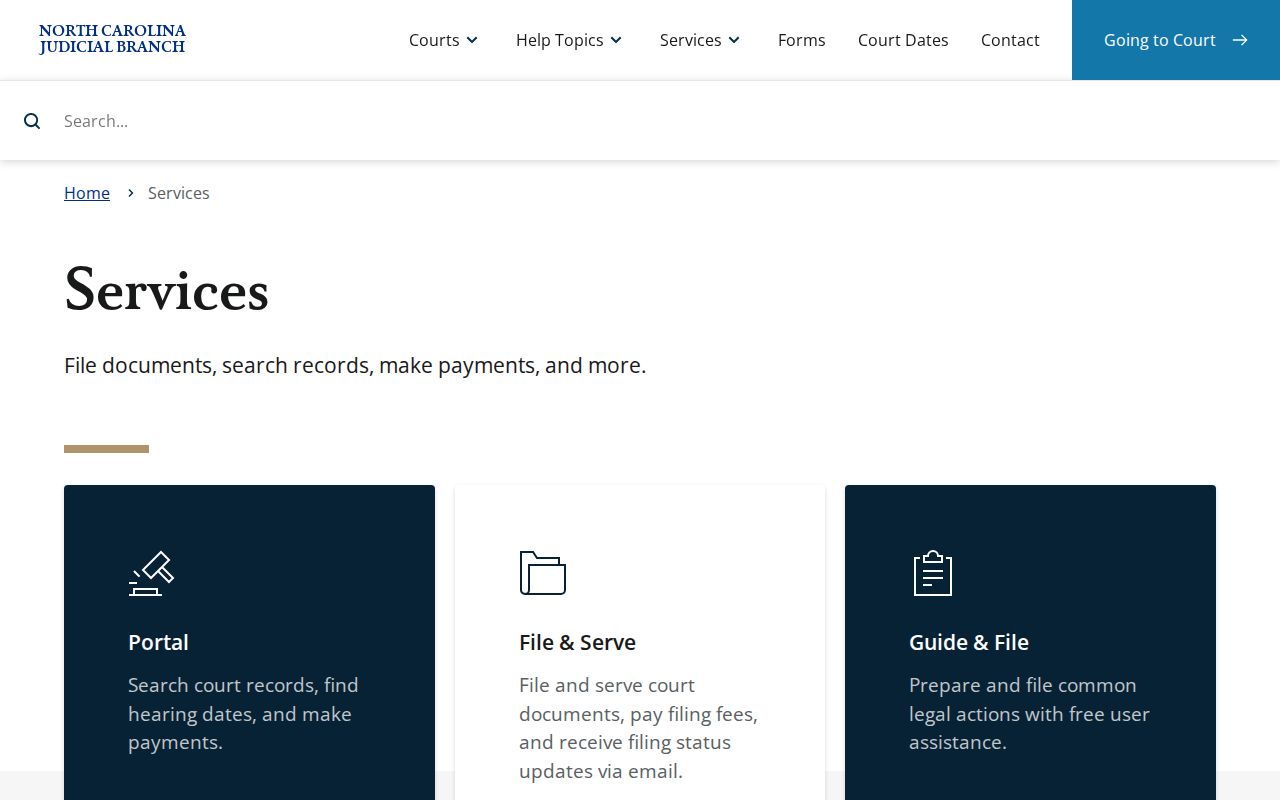
The public search works well for finding a case. For certified copies or a review of the public file, go to the Halifax Clerk.
Halifax County Case Lookup Smart Search Fields
Smart Search needs a basic criterion before any filter will run. The extra filters cannot stand alone. A mismatched case status can also hide a result. So start broad, then narrow the search only when too many candidates come back.
| Field | Type | Required | Halifax use |
|---|---|---|---|
| Basic Search Criteria | Text | Yes | Defaults to Case Number or Party Name; supports the search. |
| Search Type | Dropdown | Optional | Can select party, business, citation, attorney, cross-reference number, or nickname. |
| Location | Dropdown | Optional | Select Halifax to cut statewide noise. |
| Party Criteria | Text/date | Optional | Includes party fields and an exact or range date-of-birth control. |
| Case Type / Status | Dropdown | Optional | Includes Civil Actions, Special Proceedings, Estates, and Criminal Actions, with type-dependent statuses. |
| Filing Date Range | Date | Optional | Narrows a return by case filing dates. |
How to Search by Case Number
A case number is usually the quickest way in. Copy it straight from a court notice or another reliable case paper. Do not build one by hand. The Portal guide shows a sample format, 01CR123456-100. That is only an illustration, not a Halifax template. Type the number exactly as the actual case record shows it. Once the result appears, open the linked case number. You can then see the available Case Summary or Register of Actions. Need the current court date instead? Switch to Search Hearings. Pair the case number with Halifax, a hearing type, and the required date range. That calendar is just a schedule; the case record holds the history behind the setting.
Halifax County Case Lookup Citation and Hearing Tools
Case number, citation number, and hearing search are three different Portal functions. Smart Search finds an available Case Summary. For an infraction or traffic matter, citation number is one of the search types. You can pick it yourself. Search Hearings suits a current setting better. It adds hearing type and a date range to the Halifax location.
Halifax County Case Lookup Wildcards and Filters
Wildcards are allowed when indexing is uncertain, but the Portal guide sets firm rules. A case-number wildcard needs at least four characters before it. A name wildcard needs at least three last-name characters before the mark. It also needs at least one first-name character before another wildcard. Searching a business name with a comma? The guide says to put the wildcard where the comma sits. Add nothing after it. None of this changes what a search means. An empty result from a narrow query is not proof the record is private. Recheck spelling, location, case type, date range, and possible restrictions. Only then should you widen the search again.
What a Case Search Shows
A Case Summary is a chronological public view of available information. What it shows varies. Case type and public-access limits both play a part. A blank field may still exist in the official file. And no Portal entry replaces a signed or certified document from the Clerk.
| Case and Assignment Information | Case number, court or assignment information, and the available procedural status. |
|---|---|
| Parties and Attorneys | Publicly available parties and counsel associated with the matter. |
| Case Events | Chronological public filing and court-event history, read in date order. |
| Hearings and Dispositions | Available scheduled hearings and recorded outcomes or case-status details. |
| Case-specific fields | Available civil causes of action, criminal charge information, and financial information when applicable. |
Halifax County Case Lookup and a 12:00 AM Event
Some events dated before an Odyssey conversion display a 12:00 AM time. The Portal guide calls that a conversion artifact. It does not mean anyone held a midnight hearing. Read the event description and the dates around it, and rely on the Clerk's official record when the exact historical event matters.
County vs Statewide Case Search
Portal is statewide, yet its location filter makes it practical for Halifax cases. The Halifax Clerk and the courthouse terminal remain the county-based official-record routes. That split matters beyond convenience. Portal shows public available information. The Clerk keeps the official file and issues certified copies.
| Route | Best use | Limit |
|---|---|---|
| NC eCourts Portal Smart Search | Public Case Summary, case search, available documents, and statewide filtering. | Not the official court record; public access limits apply. |
| Portal Search Hearings | Current available hearings by case, person, courtroom, attorney, or judicial officer. | Requires location, hearing type, and date-based criteria. |
| Halifax Clerk counter or terminal | Official-file review, copies, certification, and a fallback when online results are incomplete. | Restricted material remains unavailable without legal authority. |
Halifax County Case Lookup Clerk Terminal Fallback
State records guidance points to self-service terminals in clerk offices. These cover criminal, civil, estate, and special-proceeding information. The Halifax Clerk's office sits at the courthouse, 357 Ferrell Lane, Halifax, NC 27839. The main number is (252) 593-3000. Bring a case number, party name, approximate year, and court or case type. That helps the staff locate an accessible file. The Judicial Branch's Portal training resources explain how the public system handles search and hearing functions.
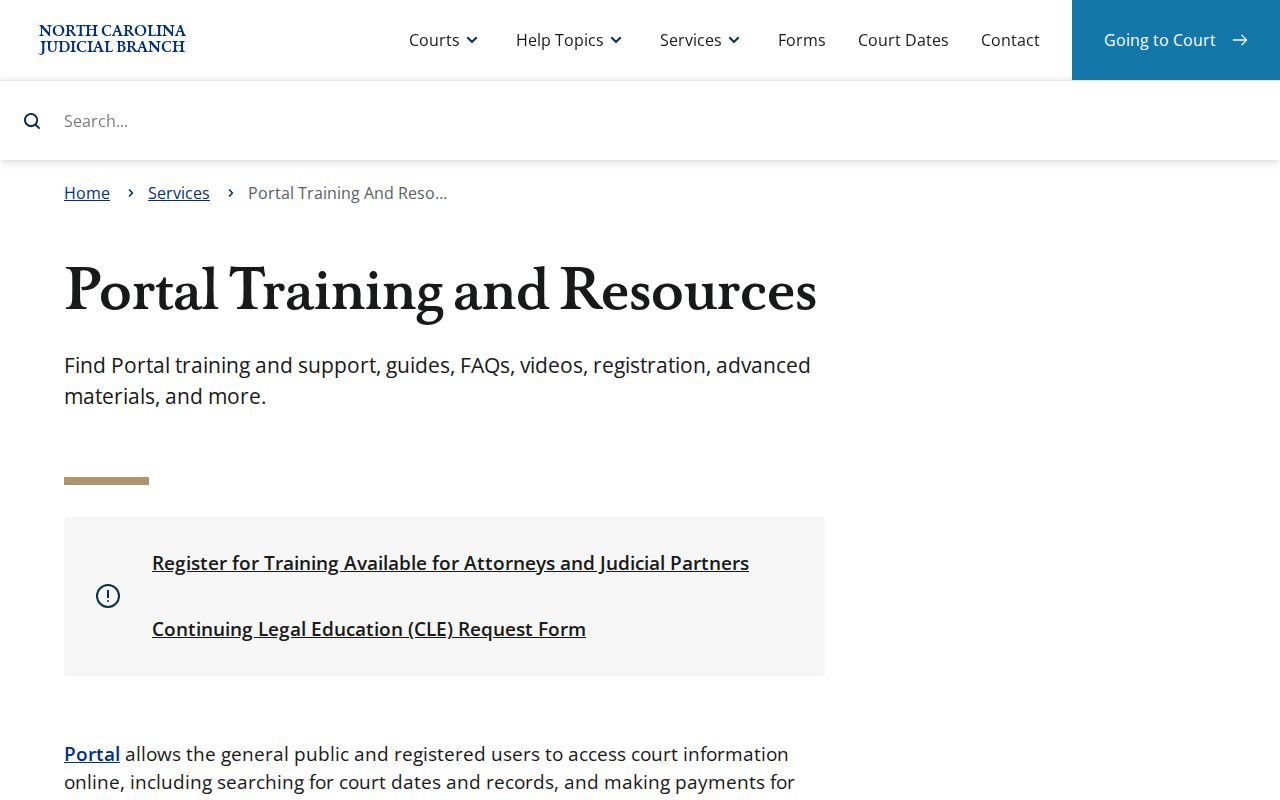
When the public Portal cannot supply an available document or an official copy, the terminal and the Clerk can. That is the fallback that always answers.
Restricted Cases and Access Rules
Sealed and confidential records stay off limits to ordinary users of the Portal. Some case types simply carry higher walls. Juvenile matters and protective-order cases are two examples. North Carolina General Statute 7B-3000 bars the public from inspecting juvenile court records unless a law or court order opens them. Expunged court records are confidential files under G.S. 15A-151, and elevated access does not loosen that.
Public date-of-birth results mask the month and day as XX/XX. Only the year shows. When a Halifax County court docket search returns nothing, the cause could be a typo, the wrong county, an event not yet entered, a recently processed filing, or restricted access. A blank result is not proof that the case was sealed.
Halifax County Case Lookup Public Date Fields
The public interface hides the month and day of birth but keeps the year visible, which helps sort through people who share a name on the Halifax County docket. Social Security-number validation is off limits to both public and elevated Portal roles. Treat these limits as design, not a defect to work around.
Halifax County Case Lookup Account Levels
Anonymous public users can search what Halifax County makes openly available. A free registered account adds the My Cases feature for saving cases. Elevated Portal roles are not a paid upgrade for extra results. Only users with verified statutory authority hold them. That line protects court records the public has no right to view.
Records can hit the Portal minutes after upload. Volume can delay when a public return shows up, though. A short lag means nothing about the case itself, so do not read it as a result or a status. Check the exact case number and the Halifax filter again. If the record still will not surface, take the question to the Clerk terminal or counter. The Clerk keeps the official file. The Clerk can explain the proper access route without turning a restricted record public.
A name search may return several people at once. Before opening any case, compare the court location, case type, filing range, party role, and masked date of birth across the entries. A shared name alone never proves a case belongs to a given person. Careful filtering now also makes a later Clerk inquiry far more useful.
The official North Carolina File & Serve service handles electronic filing and runs separately from public Smart Search.
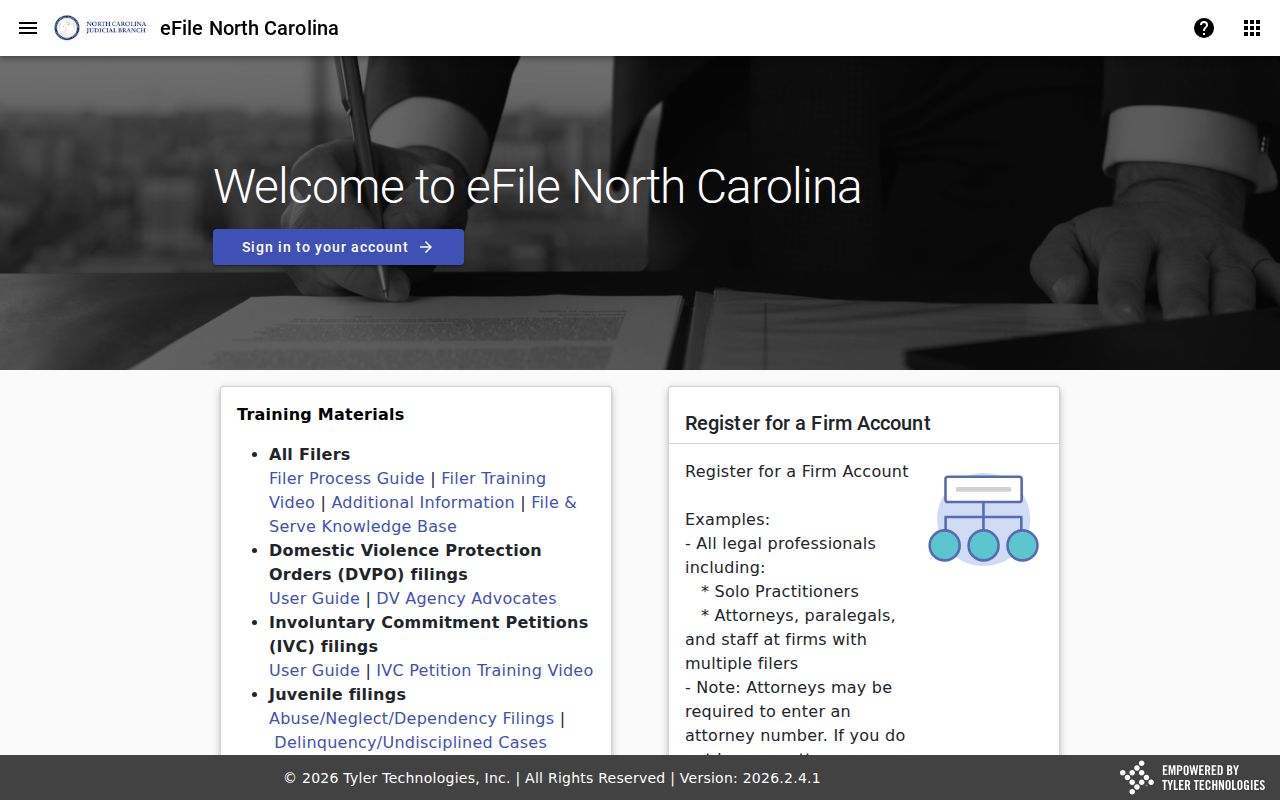
File & Serve: the eFiling route. It sits apart from public Smart Search, which is the tool for finding available Halifax case information.