
Halifax County Court Calendars Explained
Halifax County runs inside North Carolina's unified General Court of Justice. Two courts sit here: Superior Court District 7A and District Court District 7. The Halifax County Clerk of Superior Court handles the record office work. It keeps both courts' case files. A calendar tells you when a session or case setting happens, nothing more. The date is just one thread of the record.
For the full picture, pull the case's public Register of Actions. It is often called a Case Summary. That document gathers the related events, the current status, and any available hearing information. Civil and criminal matters differ here. Each has its own official calendar route. There is also a Portal hearing search. It covers a single setting. Published Superior Court schedules round things out by showing the broader session pattern. Plan with them. Just remember a listed session does not guarantee your case gets reached that week.
The Judicial Branch's Halifax criminal calendar results show the official criminal-calendar route in practice.
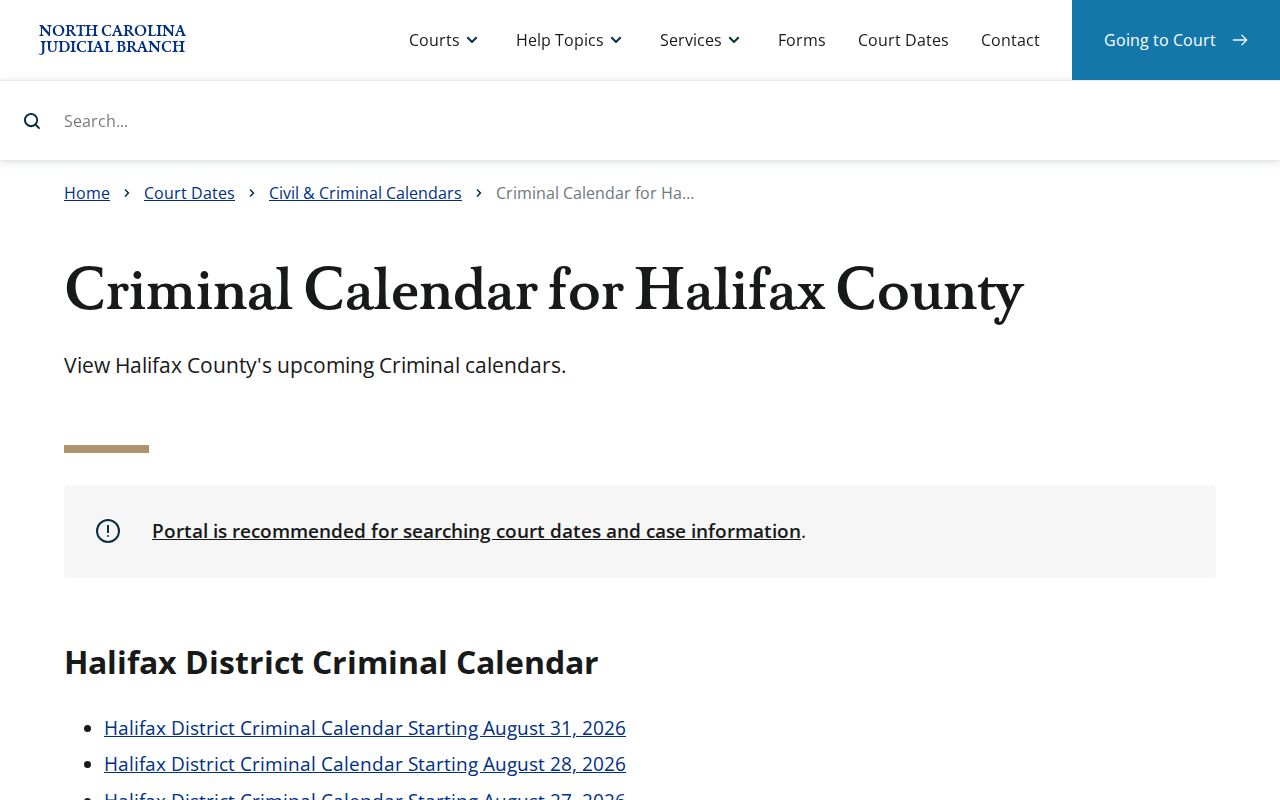
Pair a calendar result with the case's own hearing record. A session list alone is not the last word on a court date.
Halifax County Court Calendar Routes
Start at the statewide level. The Court Dates service splits into separate civil and criminal calendar channels. Both endpoints come pre-filtered for Halifax. That saves you the trouble of narrowing a statewide return by hand.
For one specific case, turn to the NC eCourts Portal instead. Its Search Hearings tool tracks an individual setting. So does the hearings section of an available Case Summary. These routes work alongside the Clerk's record. They do not replace it.
Choose your tool by the question you are asking. A calendar answers which matters are set for a term or a day. The Portal fits a tighter question. It works when a case number, party, hearing type, or date range can narrow things down. If a public result looks thin, the Clerk can say which office holds the file. The court-date page is the statewide entry point for all of it.
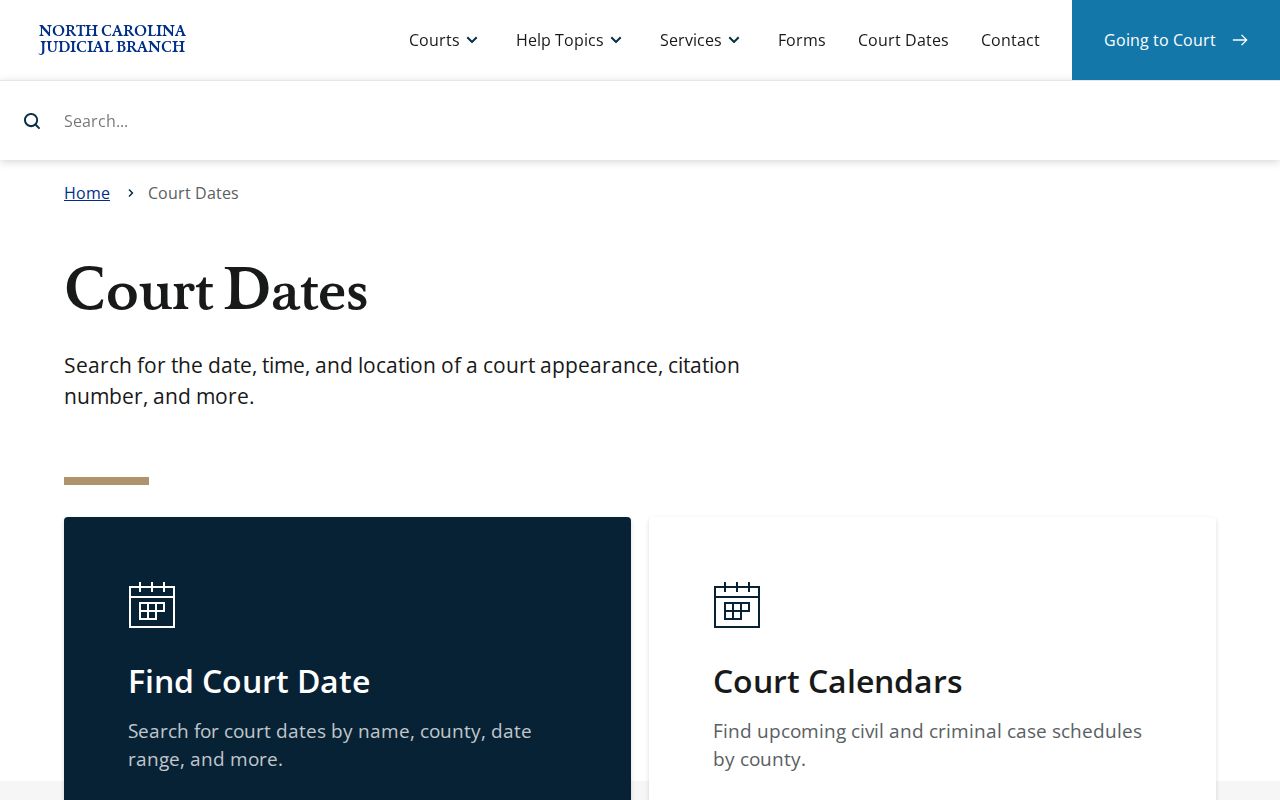
Official calendars come from the statewide service. A later case notice or order still wins if it conflicts with an earlier web return.
Finding Your Court Date
Begin with the case number if you have one. Portal Search Hearings carries the current setting information. Smart Search opens the Case Summary and its hearing entries. The official civil or criminal calendar works too.
Nothing online? Call the Halifax County Clerk of Superior Court at (252) 593-3000. Or visit the first-floor Clerk counter at 357 Ferrell Lane, Halifax, NC 27839 during listed weekday hours, 8:30 a.m. to 5 p.m.
- Read the court notice or case papers and copy the case number exactly if it is known.
- Open the NC eCourts Portal, select Search Hearings, and choose Halifax as the location.
- Select the required hearing type and search type, add the needed name, case, courtroom, attorney, or judicial-officer criteria, and provide a date range.
- Compare the result with the case's Hearings section and the applicable Halifax civil or criminal calendar.
- If the result is unclear, call or visit the Clerk with the case number and ask the party's attorney for the current setting. The court coordinator is the appropriate Superior Court contact for a scheduling discrepancy.
Halifax County Court Hearing Search Fields
A name alone will not carry a Search Hearings query. The official Portal guide starts with two pre-search selections. These are Location and Hearing Type. It then asks for a search type and a From and To date. Pick Halifax. That way statewide matches do not bury the local case. Hearing-type choices vary by court and case. Do not assume a fixed Halifax list.
| Field | Use in a Halifax hearing search |
|---|---|
| Location | Select Halifax before entering the search criteria. |
| Hearing Type | Required Portal selection; use the available category for the case. |
| Search Type | Case Number, Party Name, Business Name, Attorney Name or Bar Number, Judicial Officer, or Courtroom. |
| Date From / Date To | Required range that limits the hearing return. |
The Judicial Branch's Track 8 transition notice documents the switch that brought the Portal system to Halifax.
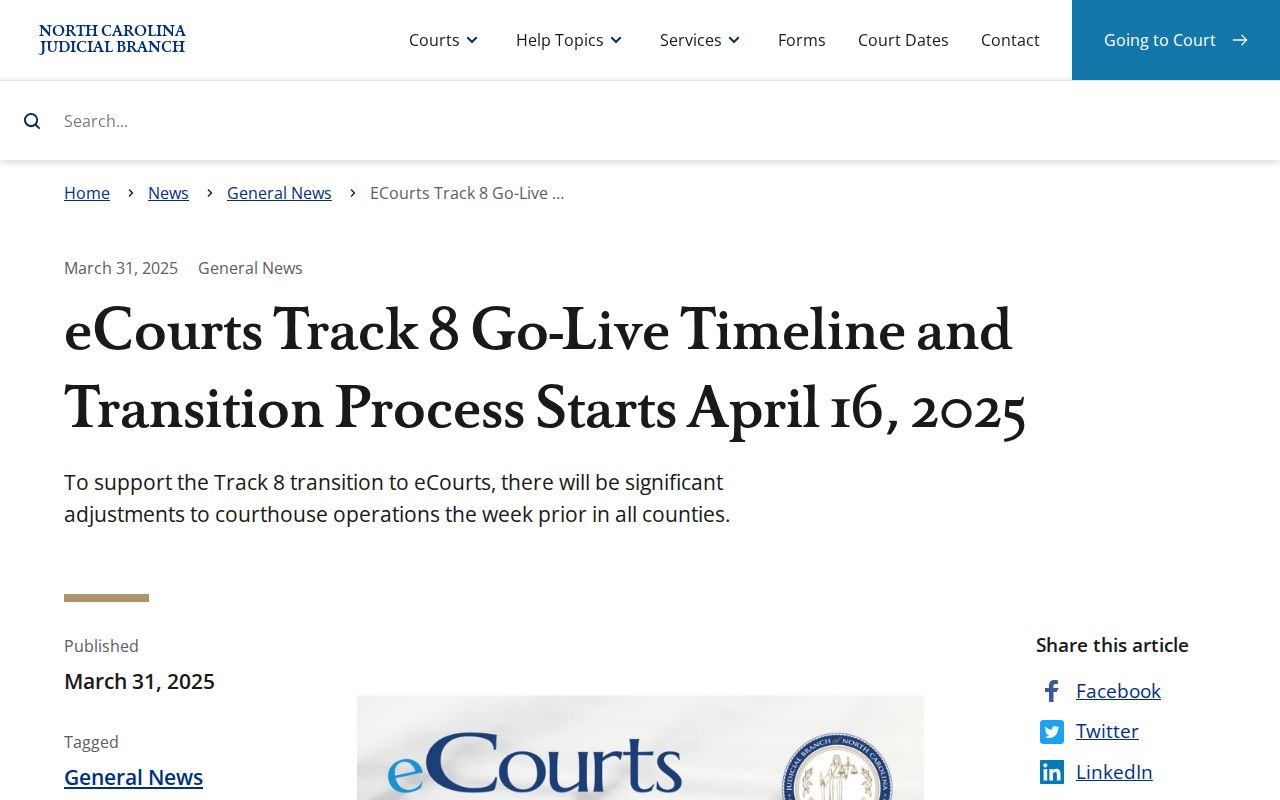
Enterprise Justice, Portal, and eFiling all arrived in Halifax on April 28, 2025. Since then, Portal has served as the statewide public-access layer for a current Halifax setting.
How to Read a Court Setting
Read a hearing return as a set of fields, never a lone date. The Portal shows a hearing only when the information is public and available. What if a notice or later order gives a different date than a calendar result? The notice or order controls. Labels matter too. A session tag like Civil or Criminal Administrative marks a scheduled court session. A specific case hearing marks the event tied to that one case.
| Date | The scheduled calendar date. Look for a later hearing entry before relying on an older line. |
|---|---|
| Time | The time shown for the hearing or docket call. It does not guarantee an individual case will be reached at that moment. |
| Courtroom | The room selected or shown in Portal when it is available. Confirm it if the case notice differs. |
| Judicial Officer | The judicial-officer field may be a useful search criterion; assignment can change. |
| Hearing Type | The Portal classification for the setting, read with the date, court, and current case status. |
Halifax County Court Session Labels
The published Halifax Superior Court schedule leans on local session labels. They include Criminal Jury / Grand Jury, Criminal Administrative, Civil, Civil (Med/Mal), and Murder Status. It also flags weeks with no court because of judicial conferences. Treat these labels as calendar organization. They do not promise the exact evidence, motion, or outcome in each listed case.
The Judicial Branch's District Court page describes the state trial-court level. That level handles many local docket settings.
A Superior or District Court schedule explains the kind of session. The individual case record names the actual current setting.
Continuances, Resets, and Cancellations
Want a Halifax County case moved off its trial date? Halifax Superior local rules demand good cause under Rule 40. If a case goes unreached or a mistrial is declared, lawyers and parties have one job. They must reach the Court Coordinator by 3 p.m. Friday that week. The call picks a new trial date. Skip that call and the Coordinator may simply assign a default date.
Civil scheduling runs on its own clock. The court coordinator builds motion calendars and posts them no later than the Tuesday before the term. Trial calendars come out at least three weeks before a session. The local rules require online posting no later than 14 days ahead. One caution. A date that drops off a Halifax County court calendar is not itself a result. Check the later Case Summary entries and any notice or order. Confirm the setting with the proper court office. Do not assume anything.
Halifax County Court Calendar and Case Summary Differences
Think of the two documents differently. A calendar is just a schedule. The Case Summary, or Register of Actions, is the running record of case events in order. A hearing that has already passed might be followed by a reset. It could also be a continuance, an order, a disposition, or yet another hearing. An old Halifax County court calendar can never answer every question about a case. The Judicial Branch's eCourts conversion announcement covers the eastern North Carolina transition. That transition brought Halifax into the Portal system.
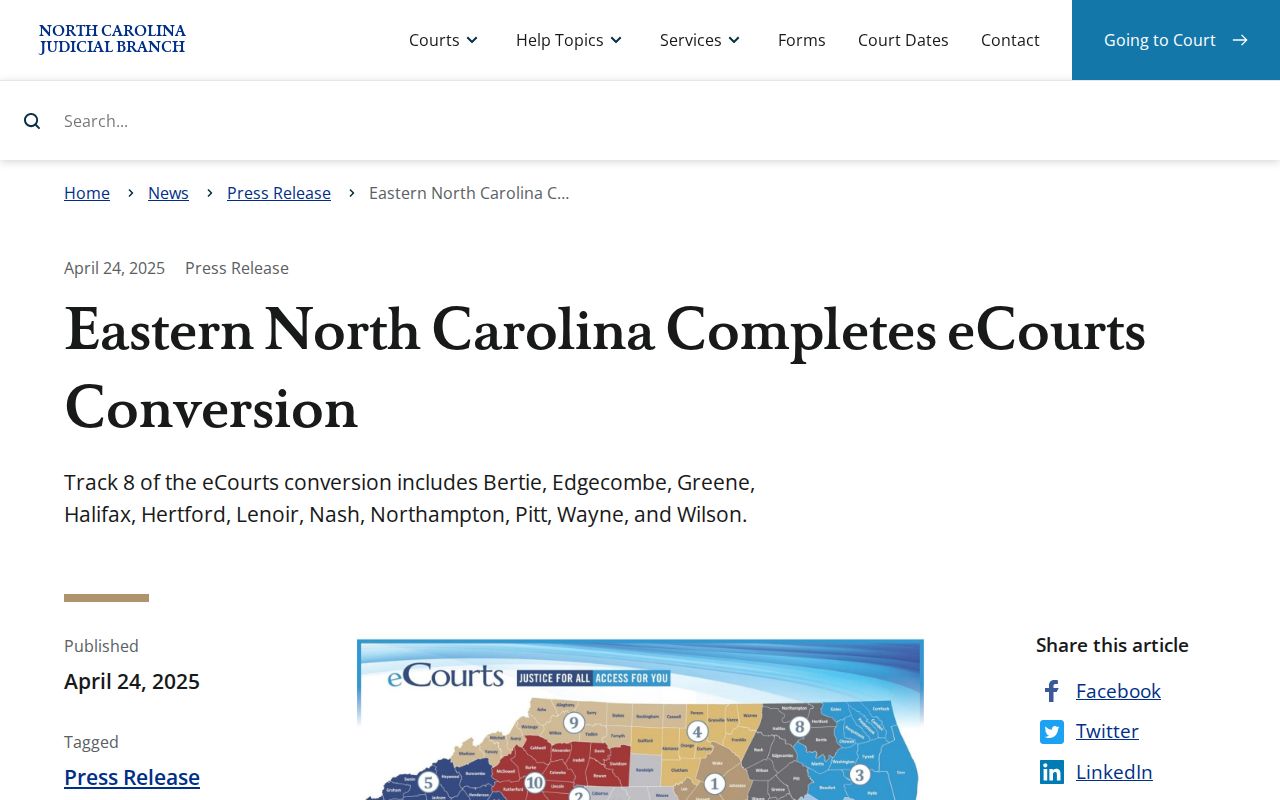
For a full case history, rely on the current public Case Summary. When the exact record matters, get official copies straight from the Clerk.
Halifax County Court Civil Cleanup Calendars
Halifax Superior local rules permit a cleanup calendar for civil cases showing no progress, no service, unfinished settlement paperwork, or apparent abandonment. Skipping a cleanup setting is risky. A party who fails to attend can face dismissal for failure to prosecute. So treat a cleanup-calendar notice as something to raise with the court or counsel, not an entry to ignore just because it is not a trial date. The later notice, hearing entry, or order in the file tells you where the case actually stands. A new setting may still need confirmation from the Coordinator or the Clerk.
If You Miss a Court Setting
Missed a court date in Halifax County? Act fast. Contact the Halifax County Clerk of Superior Court or your attorney of record. They can pin down the current case status and the next required step. Never assume the calendar entry creates a new date on its own. The case may carry a later hearing, an order, or another response duty. Only the current record shows that.
Missed a setting? A missed court date can have serious case consequences, so confirm the current setting with the Clerk or the court office promptly and seek legal advice for a pending matter.